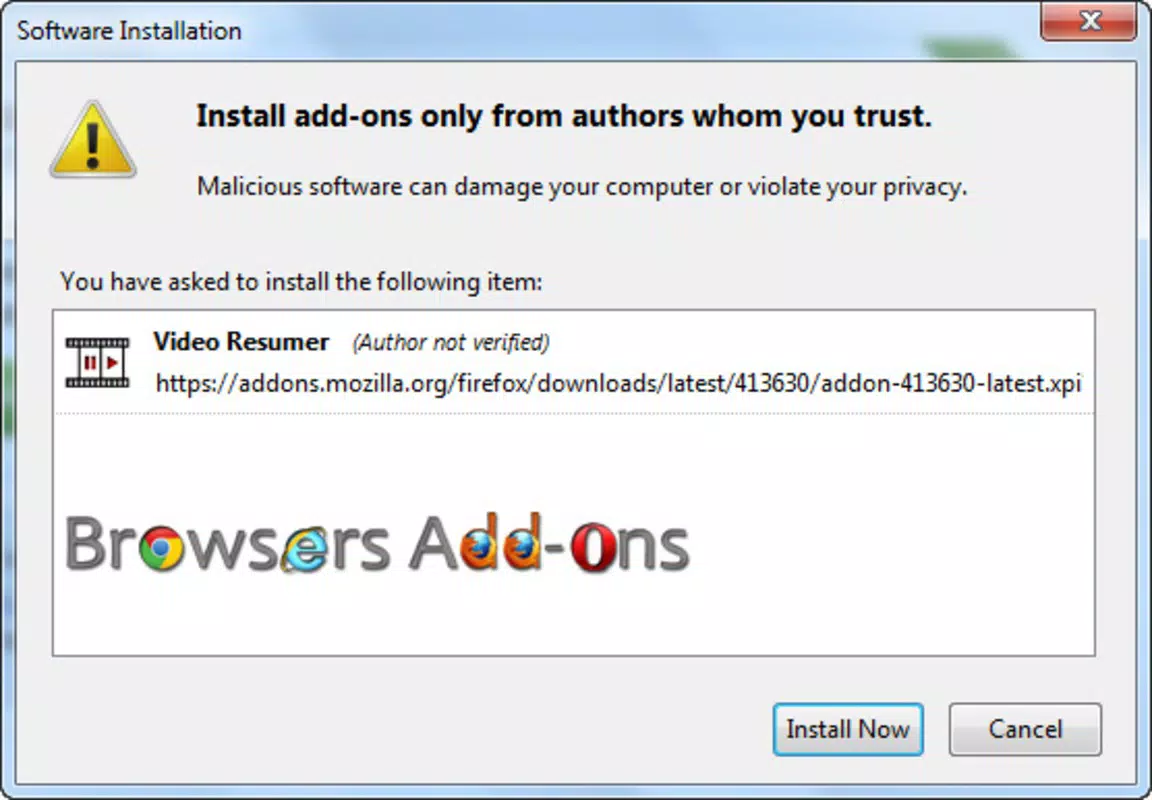

Download Video Resumer – YouTube video resumer, Firefox extension, video resumption
Overview
Video Resumer is a specialized Firefox extension designed to enhance the YouTube viewing experience by ensuring continuity in video playback. Its primary purpose is to automatically resume videos from the exact point where they were last paused, even after browser closure or interruptions. This functionality addresses a common pain point for users who frequently watch long-form content but are frequently pulled away by other tasks. Whether it’s a tutorial, a lecture, or an entertainment video, Video Resumer eliminates the frustration of having to manually locate the right moment upon return.
The app is particularly beneficial for multitaskers, students, remote workers, and content enthusiasts who value uninterrupted learning or entertainment. It supports seamless use across sessions, making it a practical tool for anyone who relies on YouTube as a primary source of information or leisure. Developed by Joe C. Jones, the extension reflects a focused approach to solving a specific user need with minimal complexity.
Although the developer did not provide additional technical details, the extension’s core function is clearly defined and consistently delivered. In the broader app ecosystem, it fills a niche gap in browser-based video management tools, offering a lightweight, efficient solution that complements the YouTube experience without adding clutter. Its integration with Firefox ensures it operates within a trusted browser environment, enhancing usability for users who prioritize privacy and simplicity.
Key Features & Functionality
- Automatic Video Resumption: Upon revisiting a YouTube video, the extension automatically restores playback to the last paused position, saving users time and effort in locating their place.
- Seamless Firefox Integration: The extension operates within the Firefox browser without requiring manual configuration or additional setup steps.
- Effortless Installation: Users can install the extension with a single click, and it begins functioning immediately after setup.
- Context Preservation: Video Resumer maintains playback context across browser restarts and session interruptions, ensuring continuity without user input.
- Lightweight Design: At just 412 KB, the extension uses minimal system resources, contributing to smooth browser performance.
For example, a user watching a 45-minute tutorial on YouTube may need to step away for a meeting. When they return, the video resumes from the exact moment they left off, preserving learning flow. Similarly, someone following a cooking video can pause mid-recipe and return without losing track. This feature is especially useful for users who switch between devices or frequently close their browser.
Interface, UX & Performance
Video Resumer operates in the background without a visible user interface, aligning with its utility-focused design. As a browser extension, it does not require a dedicated app screen or navigation menu. Instead, it functions silently, detecting YouTube video states and storing playback positions automatically.
The user experience is streamlined and distraction-free. There are no onboarding screens, settings panels, or prompts—users simply install and use. This minimalistic approach reduces cognitive load and ensures accessibility for all user levels. Although the developer did not list formal performance metrics, the extension’s small file size suggests efficient resource usage.
Performance is expected to be consistent across various device categories, including desktops and laptops, given its lightweight nature. Responsiveness is maintained through direct integration with Firefox’s extension framework. Stability is implied by its long-standing presence since 2013, indicating reliable operation over time. Users can expect smooth playback resumption without noticeable lag or crashes.
Platform Compatibility & Technical Requirements
Video Resumer is designed exclusively for the Firefox browser. It is compatible with Firefox versions that support add-ons and extensions, though specific OS requirements were not listed. The extension has a file size of 412 KB, making it a lightweight addition to the browser.
Users should ensure their Firefox installation is up to date to maintain compatibility. The developer did not specify minimum OS requirements or version dependencies. The extension is available at no cost and does not require a subscription or in-app purchases.
While the app is not available on mobile platforms, its functionality is optimized for desktop use, where YouTube viewing is typically more prolonged and interrupted by multitasking. The absence of mobile support is consistent with its role as a browser extension rather than a standalone mobile app.
Pros and Cons
Pros
- Automatically resumes YouTube videos from the last paused point
- Simple, one-click installation with no configuration needed
- Lightweight at only 412 KB, minimizing system impact
- Operates seamlessly within Firefox without disrupting browsing
- Free to use with no ads or hidden costs
Cons
- Only available for Firefox, not compatible with other browsers
- No visible interface or settings panel for customization
- Not available as a mobile app or Android/iOS application
- Developer did not provide detailed technical specifications
- Functionality limited to YouTube and may not work on other video platforms
FAQ
Is Video Resumer safe to install?
Yes, the extension is free and available through official Firefox add-on channels. It does not request unnecessary permissions and operates within the browser’s security model.
Can I use Video Resumer on mobile devices?
Currently, Video Resumer is only available as a Firefox extension and is not compatible with mobile browsers or Android/iOS platforms.
Does Video Resumer work on platforms other than YouTube?
The extension is designed specifically for YouTube. Its resumption feature may not function on other video hosting sites unless explicitly supported.
How often does Video Resumer update?
The extension has been available since 2013, indicating long-term stability. However, specific update frequency was not disclosed by the developer.
Do I need to pay to use Video Resumer?
No. Video Resumer is completely free to download and use. There are no in-app purchases, subscriptions, or hidden fees.
Final Thoughts
Video Resumer delivers a focused, reliable solution for users who value continuity in their YouTube viewing sessions. Its minimalist design, automatic functionality, and seamless Firefox integration make it a valuable tool for anyone who frequently watches long videos and gets interrupted. While it lacks advanced features or cross-browser support, it excels in its core purpose: resuming playback without friction.
For students, professionals, and content consumers who rely on YouTube for learning or entertainment, this extension removes a small but persistent annoyance. Its lightweight nature ensures it won’t slow down your browser, and its free availability makes it accessible to all.
Despite its age, the extension remains functional and relevant in today’s digital landscape. If you use Firefox and watch YouTube regularly, Video Resumer is a smart, no-strings-attached addition to your browsing toolkit.
Download Video Resumer now


